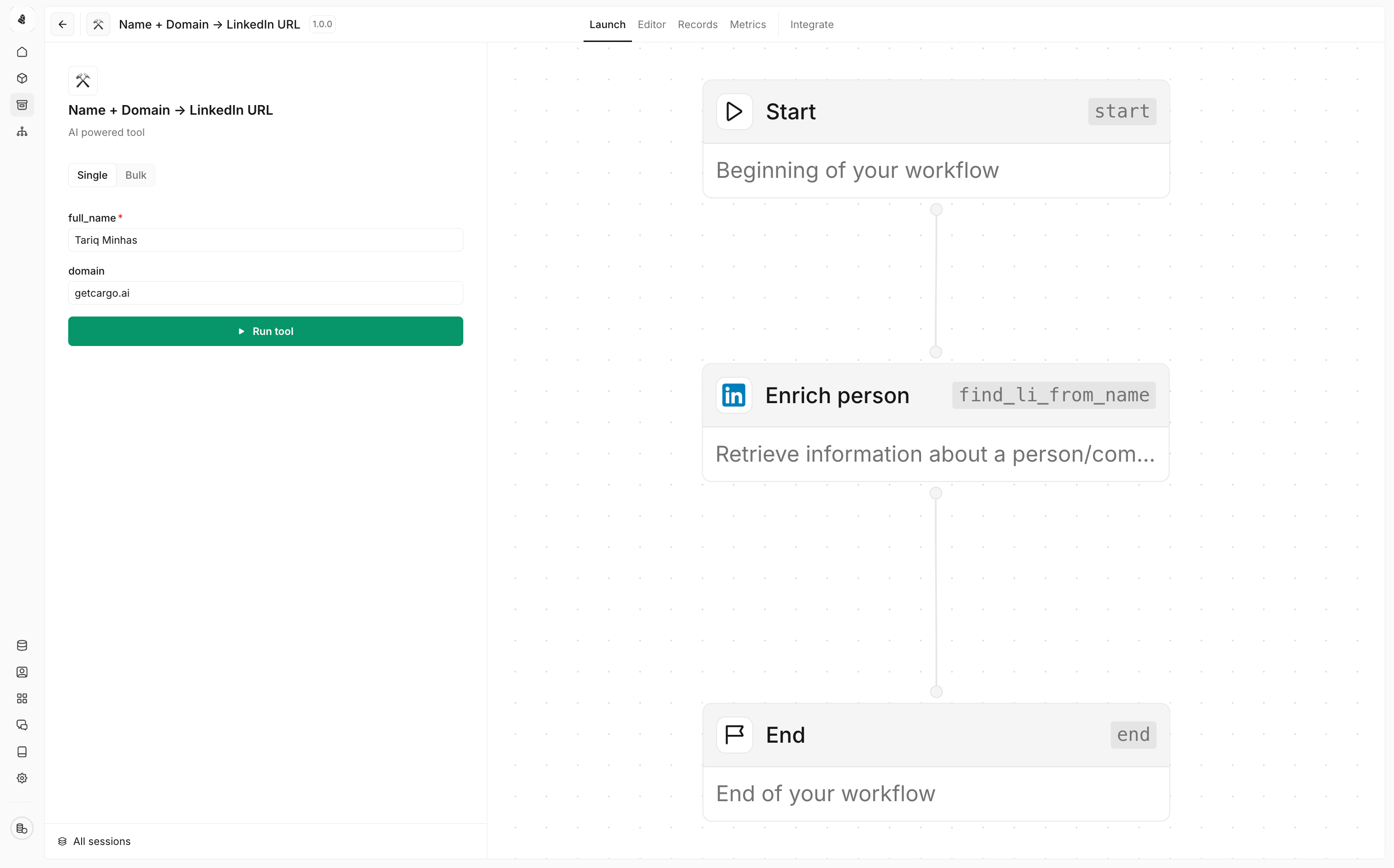
cargo-ai project deploy), you can run it many ways. The code-first paths — the CLI and cron triggers declared in defineTool — are covered first; the UI Trigger tab is the same thing with a mouse.
From the CLI
The CLI is the fastest way to run a deployed tool. Find the tool’sworkflowUuid, then create a run.
Single run
run create works with tool workflows only. For plays, use batch create
instead — see Triggering a play.Bulk run
Run the tool across many records with a single batch:On a schedule (cron triggers)
Declare recurring runs directly on the tool. Triggers live in code, so they’re versioned and deployed with everything else:tools/enrich.ts
data is passed as the run input each time the schedule fires. cargo-ai project deploy reconciles the trigger list.
Inside a play, agent, or MCP server
Tools are meant to be composed. Reference the tool handle in code and the platform wires the rest:Over the API
Execute a tool synchronously via REST. If execution exceeds 5 minutes it times out.Batch execution
For many records or long-running operations, use the batch API. Creating a batch returns202 Accepted with a Location header pointing at the batch.
Poll that URL, or batch get with the returned uuid, until the batch reaches
a terminal status.
webhookUrl is optional. When set, results are POSTed there on completion. webhookSecret is also optional — when provided, Cargo signs every delivery with an HMAC-SHA256 signature in the X-Cargo-Signature header (sha256=<hex>). Verify it before trusting a delivery:
Public form
Expose the tool as a hosted, embeddable web form that runs its workflow on submit. See Public form.From the UI
The Trigger tab mirrors the CLI: Single runs one record, Bulk uploads a CSV whose headers map to the tool’s input fields. Good for ad-hoc testing without a terminal.