> ## Documentation Index
> Fetch the complete documentation index at: https://docs.getcargo.ai/llms.txt
> Use this file to discover all available pages before exploring further.
# Attio
> This page outlines how to use the Attio integration to pull and manage CRM data in Cargo.
Attio is a modern customer relationship management tool that's easy to get started with and scales with your team's operations. Cargo's native integration with Attio allows you to both pull data from the CRM as part of data models, and write or delete data from all CRM objects to maintain it.
## How to set up Attio
Attio uses your logged-in instance to establish the sync with Cargo. During connection, you'll be asked to authorize Cargo with the following permissions:
* Read and write records - Read object configuration - Read list entries -
Read and write comments - Read and write notes - Read and write tasks - Read
user management settings - Read list configuration
Once redirected and the connector is created, you can:
* **Set up an Attio data model** — Create data models from your Attio objects to trigger Plays and power model search actions.
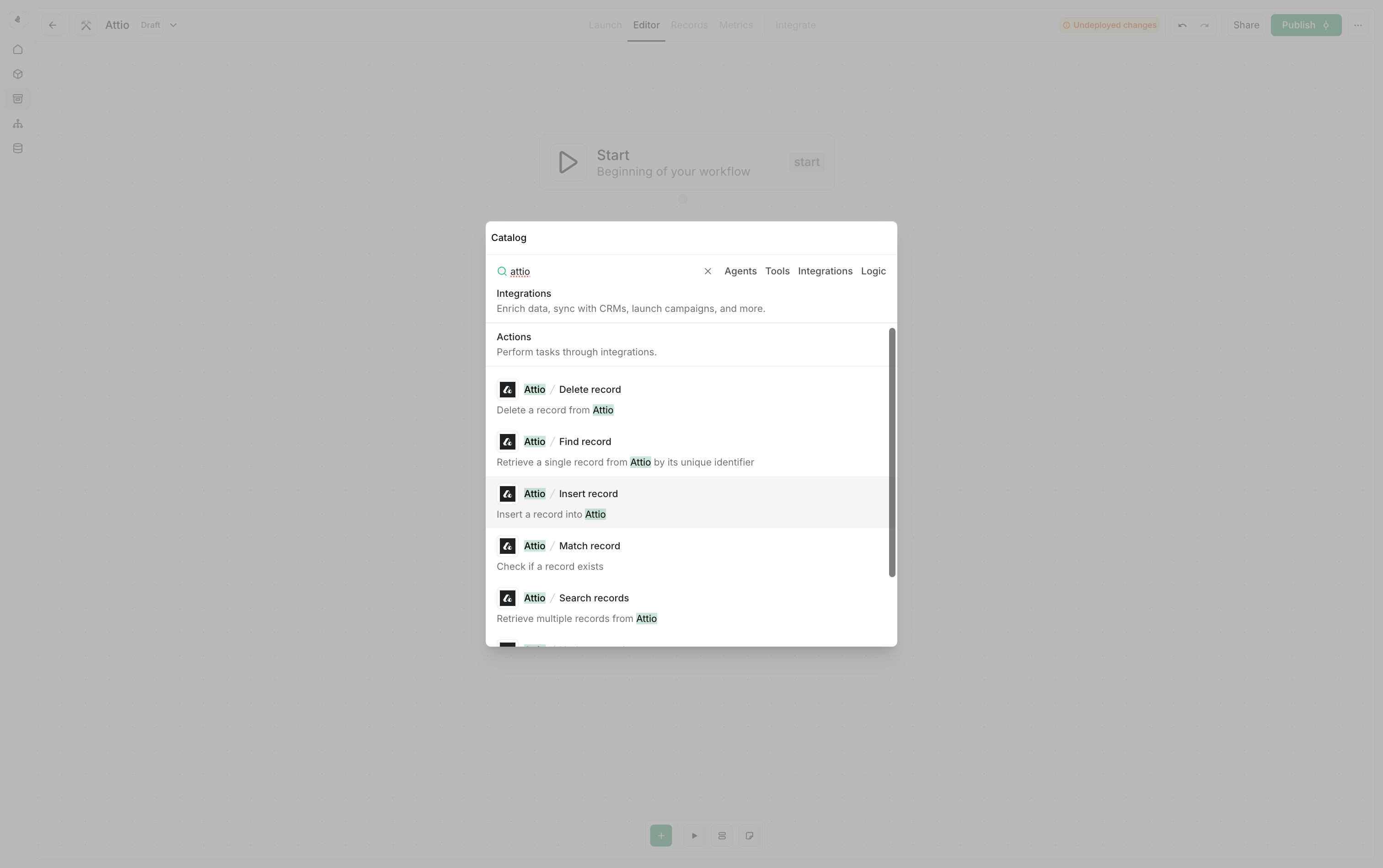
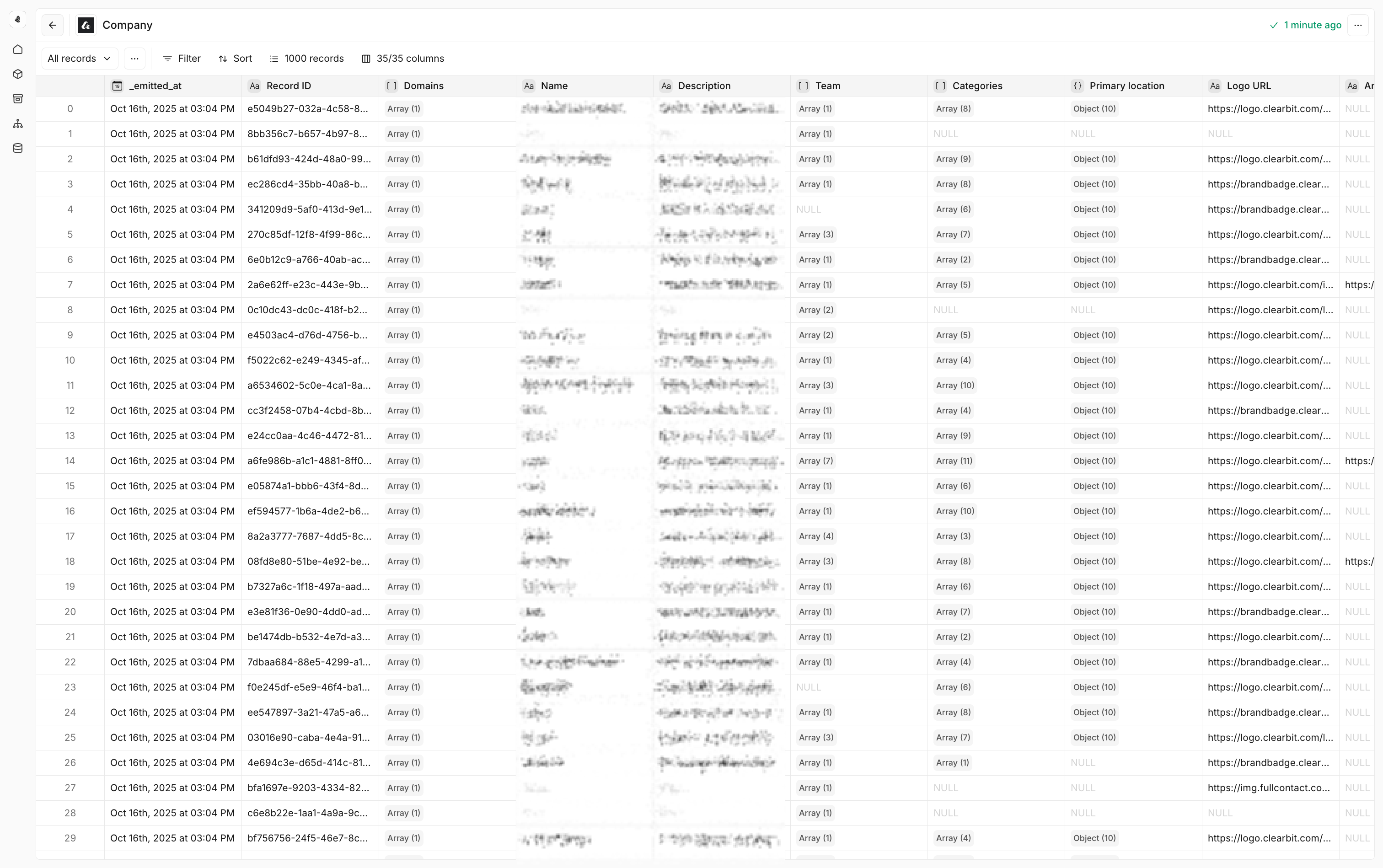 * **Use Attio in workflows** — Choose **Attio** from the node catalog within a **Play**, **Tool**, or **Agent**.
 ***
## Attio actions
All Attio actions support People, Companies, Deals, and any custom objects
you've created in your Attio workspace.
### Insert record
***
## Attio actions
All Attio actions support People, Companies, Deals, and any custom objects
you've created in your Attio workspace.
### Insert record
Insert a new record into Attio.
**Use cases**
* **Lead capture** – Create new leads from various sources and channels
* **Contact creation** – Add new contacts from forms, events, or imports
* **Company creation** – Add new companies from forms, events, or imports
### Find record
Retrieve a single record from Attio by its unique ID.
**Use cases**
* **Record lookup** – Get specific record details for processing workflows
* **Data validation** – Verify record existence before performing operations
### Match record
Check if a record exists in Attio based on matching criteria.
**Use cases**
* **Duplicate prevention** – Avoid creating duplicate records
* **Smart routing** – Route records based on existing data
Use **Match record** before **Insert record** to implement an upsert pattern
for single records.
### Find records
Find records matching the given criteria. Define multiple matching criteria—the action searches for records that match any of the provided values. Empty values are automatically skipped.
**Use cases**
* **Multi-identifier matching** – Search by domain, LinkedIn URL, or company name
* **Flexible lookups** – Find records using whichever identifiers are available
* **Data quality handling** – Provide multiple identifiers to maximize match rates
**Example configuration**
| Attribute | Value |
| ---------- | -------------------------------- |
| `domains` | `{{nodes.start.company_domain}}` |
| `linkedin` | `{{nodes.start.linkedin_url}}` |
| `name` | `{{nodes.start.company_name}}` |
Empty values are automatically skipped, so you can provide all available identifiers without worrying about null checks.
### Search records
Retrieve multiple records from Attio based on search criteria.
**Use cases**
* **Advanced filtering** – Find records meeting specific criteria
* **Bulk operations** – Retrieve multiple records for processing inside a group node
### Update record
Update an existing record in Attio.
**Use cases**
* **Data enrichment** – Keep record information current and accurate
* **Lifecycle management** – Update record stages and statuses
### Upsert records
Upsert multiple records into Attio (insert or update based on matching criteria).
**Use cases**
* **Bulk data operations** – Insert records in bulk while avoiding duplicates
* **Data synchronization** – Keep external systems synchronized with Attio
Upsert operations will match on the fields you specify. Ensure your matching
criteria is unique to avoid unintended updates.
### Delete record
Delete a record from Attio.
**Use cases**
* **Data cleanup** – Remove outdated or incorrect records programmatically or in batches
***
## Attio data models
Cargo allows you to create data models on top of your Attio CRM data that can be used to trigger Plays and power model search actions.
### Creating Attio data models
| Field | Description |
| --------------- | -------------------------------------------------------------------------------------------- |
| **Name** | Choose a descriptive name for your data model (required) |
| **Slug** | Set a unique identifier that cannot be changed once created (required) |
| **Object Type** | Select the Attio object type you want to model (People, Companies, Deals, or custom objects) |
### Object types available
**Use cases** - Track opportunities, pipeline stages, and deal progression -
Monitor deal velocity, conversion rates, and forecasting - Analyze win/loss
patterns and sales performance
**Use cases** - Manage company records with domains, descriptions, and team
information - Track company categories, locations, and relationships -
Monitor company engagement and lifecycle stages
**Use cases** - Handle contact and lead information - Track individual
engagement and communication history - Manage contact lifecycle and
qualification status
You can also model any **custom objects** you've created in Attio, giving you
full flexibility to work with your unique data structures.